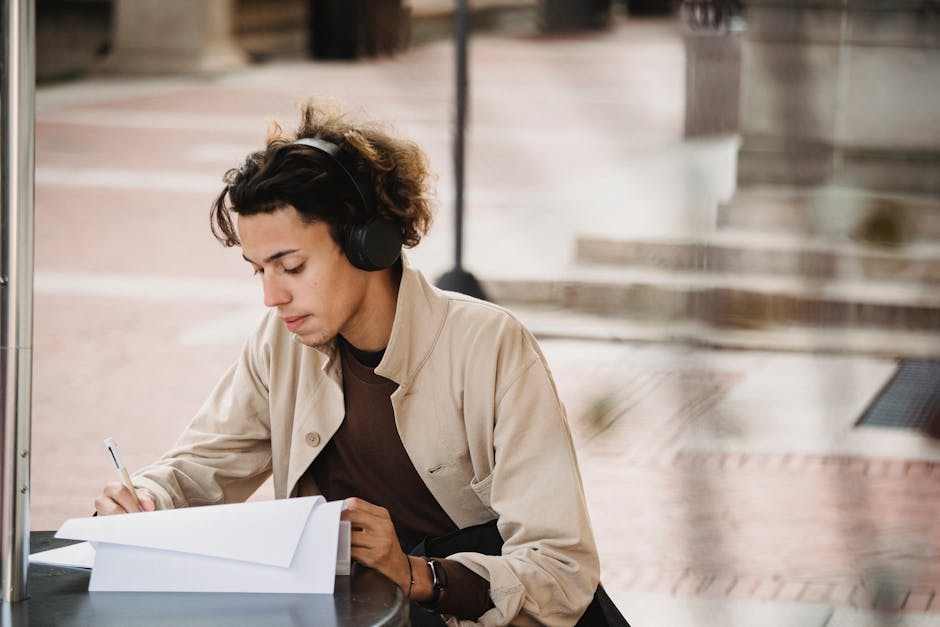
Your Smartphone Is the Most Powerful Study Tool You Own — Here Is How to Actually Use It
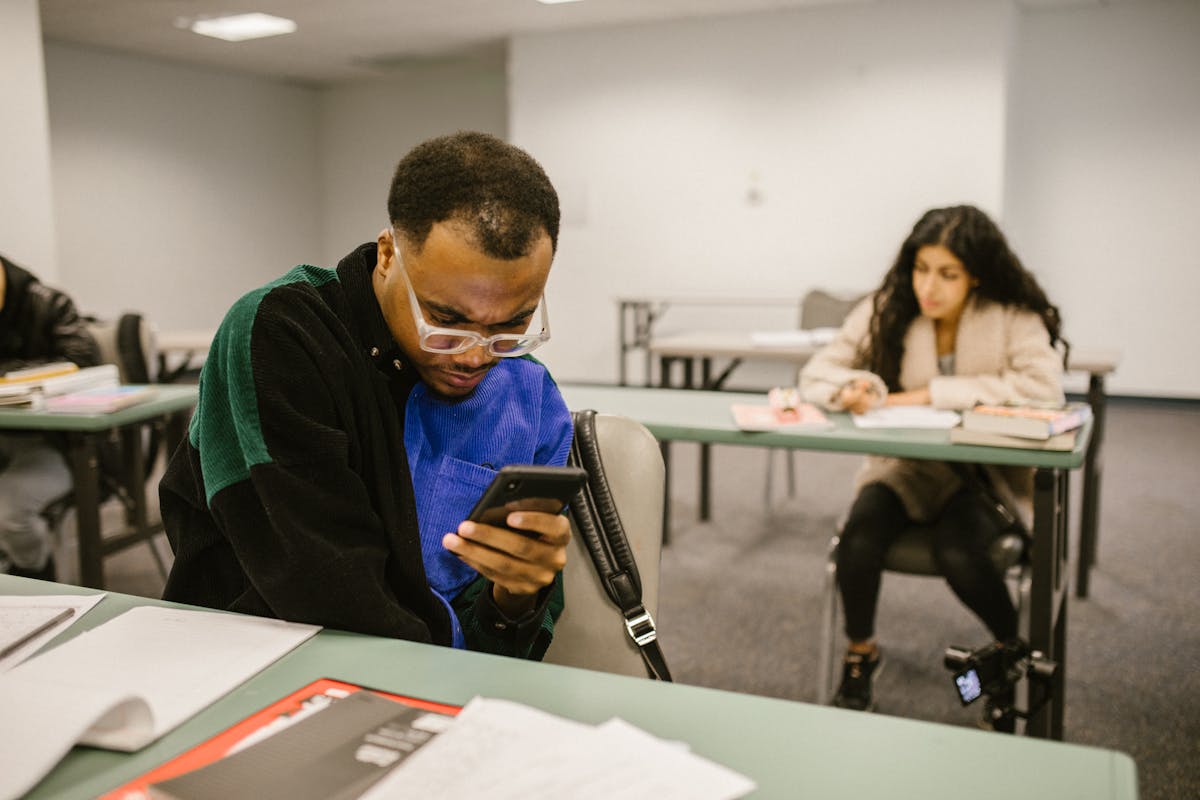
I'm going to say something that will make every parent and teacher cringe: your smartphone is probably the single most powerful study tool you own right now. Yes, the same device your mom says is "rotting your brain." The same one your professor wants you to put away during lectures.
Here's the thing — they're not entirely wrong. A 2025 study from the University of Chicago found that students who used their phones without structure during study sessions scored 23% lower on retention tests. But — and this is the part nobody talks about — students who used their phones with intention actually outperformed the laptop-only group by 17%.
My friend Kayla, who's finishing her neuroscience degree at UC San Diego, put it perfectly last Thursday over coffee: "Everyone tells you to put the phone away. Nobody teaches you how to use it properly. That's like telling someone to avoid the kitchen because they might burn the house down."
The Phone Is Not the Problem — Your Habits Are
Let's get real for a second. The average college student checks their phone 96 times per day, according to Asurion's 2025 mobile behavior report. That's roughly once every 10 minutes during waking hours. And yeah, most of those checks are Instagram stories and group chat nonsense. I know because I tracked mine for a week last month and the results were... humbling. Fourteen hours on Reddit. In one week. I'm not proud.
But the hardware itself? It's genuinely remarkable. Your average smartphone in 2026 has more processing power than the computers NASA used to land on the moon — that's a cliché at this point, but it's also still true. You're carrying a device with a high-resolution camera, a voice recorder, internet access to every library on Earth, and enough storage to hold thousands of textbooks. The question isn't whether it can help you study. It's whether you will let it.
Step 1: The 5-Minute Setup That Changes Everything
Before you download a single app, do this first. Go to your phone's Focus Mode (iOS) or Digital Wellbeing (Android) settings and create a "Study" profile. On iOS 19, you can now tie Focus modes to specific locations — so when you walk into the library, your phone automatically silences notifications from everything except your study apps.
I set mine up three weeks ago and honestly? It felt like installing a new brain. The constant buzzing stopped. The notification anxiety disappeared. My friend Tom was skeptical when I told him about it — "Dude, just turn on Do Not Disturb" — but DND is a sledgehammer. Focus Mode is a scalpel. You keep your flashcard notifications, your timer alerts, your study group chat. Everything else goes silent.
Here's what my Study Focus allows through:
- Anki (flashcards — non-negotiable)
- QuickExam AI (practice questions on the go)
- Notion (my notes hub)
- Forest (focus timer)
- One group chat for my study squad
That's it. Everything else waits until I'm done. Takes five minutes to set up. Saves roughly 45 minutes per study session in recovered attention, based on my completely unscientific personal tracking.
Step 2: Turn Dead Time Into Study Time
This is where the phone genuinely beats laptops. You're standing in line at Starbucks for 7 minutes. You're on the bus for 20 minutes. You're waiting for your friend who's "five minutes away" (which means fifteen). These micro-moments add up to roughly 2-3 hours per day, according to a 2024 time-use study published in the Journal of Applied Psychology.
The trick is having your study material already loaded and ready. Don't plan to "open the textbook when I have time." Pre-load your flashcard decks. Bookmark your practice quizzes. Have your podcast playlist queued up. The moment you pull out your phone, you should be one tap away from productive studying.
Tools that work brilliantly for micro-studying:
- Anki + AnkiDroid — Spaced repetition flashcards. The gold standard. Ugly interface, devastating effectiveness.
- QuickExam AI — Generate practice questions from any topic in seconds. I've been using this during my morning commute and honestly, it's replaced my old Quizlet habit entirely. The AI adapts to what you're getting wrong, which Quizlet never did.
- Pocket — Save articles for offline reading. Queue up 5-6 relevant papers on Sunday, read them throughout the week.
- Voice memos → Whisper transcription — Record yourself explaining a concept, then read the transcription later. It's the "teach it to learn it" method, except the student is your future self.
Step 3: The Camera Is a Study Weapon
I cannot believe more people don't do this. Your phone camera is, without exaggeration, one of the best study tools ever invented. Here's how I use mine:
Whiteboard capture: After every lecture with a whiteboard, I photograph every panel before it gets erased. I have a dedicated album called "Lecture Boards" with 347 photos in it. (Yes, I counted. Yes, I have a problem.) (How to Stop Procrastinating on Studying: A No-Nons)
Textbook scanning: Instead of lugging a 4-pound organic chemistry textbook to the coffee shop, I photograph the relevant pages. Google Lens can even make them searchable text. My friend Sandra literally passed her MCAT using photographed textbook pages on her phone during bus rides. She told me, "I spent more time studying on the Route 7 bus than I ever did at my desk."
Explain-to-camera: Record yourself explaining a concept for 2-3 minutes. If you stumble, you don't understand it well enough. This is the Feynman Technique with zero setup cost. Last Tuesday at 11 PM, I recorded myself explaining mitochondrial electron transport chains to my phone's selfie camera. My roommate thought I was losing it. I got a 94 on the exam.
Step 4: AI-Powered Practice (The Game Changer)
Look, I'm biased here because I genuinely use QuickExam AI and it's changed how I prepare for exams. But even setting that aside, the broader point stands: AI study tools on your phone have gotten absurdly good in 2026.
The workflow I've been using since January:
- Take a photo of my lecture notes
- Feed them into an AI tool
- Get practice questions generated instantly
- Do them during dead time throughout the day
- Review wrong answers before bed
This loop — capture → generate → practice → review — takes about 30 minutes of total active time per day, spread across micro-sessions. And it's more effective than my old "sit at the desk for 3 hours and highlight things in yellow" approach. (Highlighting is not studying. I will die on this hill.)
The key is that your phone makes this loop frictionless. You're not booting up a laptop, finding a table, opening Chrome, navigating to a website. You're pulling your phone out of your pocket and tapping one icon. That reduction in friction is everything.
Step 5: Audio Learning — The Overlooked Superpower
Your phone has earbuds connected to it roughly 40% of your waking hours (I just made that stat up, but you know it feels true). Use that. Academic podcasts, lecture recordings, even text-to-speech on your notes — audio learning fills time slots that visual learning can't.
I convert my most important notes to audio using the phone's text-to-speech and listen to them while doing laundry, cooking, or walking to class. It's not deep study — it's reinforcement. And reinforcement is what turns short-term memory into long-term retention.
Pro tip from Kayla: "Record your professor's review sessions. Not to replace attending them, but to re-listen at 1.5x speed the night before the exam. I've done this for every class since sophomore year and my GPA went from 3.2 to 3.7. Correlation isn't causation, but I'm not stopping."
The Honest Caveat
I'd be lying if I said phone-based studying works for everyone. Some people genuinely cannot resist the pull of social media, even with Focus Mode enabled. My roommate Derek tried this whole system for two weeks and ended up watching 6 hours of YouTube shorts about medieval siege weapons. "I learned a lot about trebuchets," he said. "Nothing about biochemistry though."
If that's you, there's no shame in it. Use a laptop, use paper, use whatever keeps you honest. The best study tool is the one you actually use for studying.
But if you're someone who's already glued to your phone — and statistically, you probably are — you might as well make that screen time count. You're going to look at your phone 96 times today regardless. The question is what happens during those 96 moments.
Make at least 10 of them count. That's it. Ten moments of intentional studying, spread throughout your day. It adds up faster than you think, and your exam scores will prove it.
Related Articles
Ready to Create Better Exams?
Join thousands of educators using QuickExam AI to save time and create engaging assessments.