How to Turn Your Notes Into a Practice Exam Using AI (And Actually Remember What You Studied)
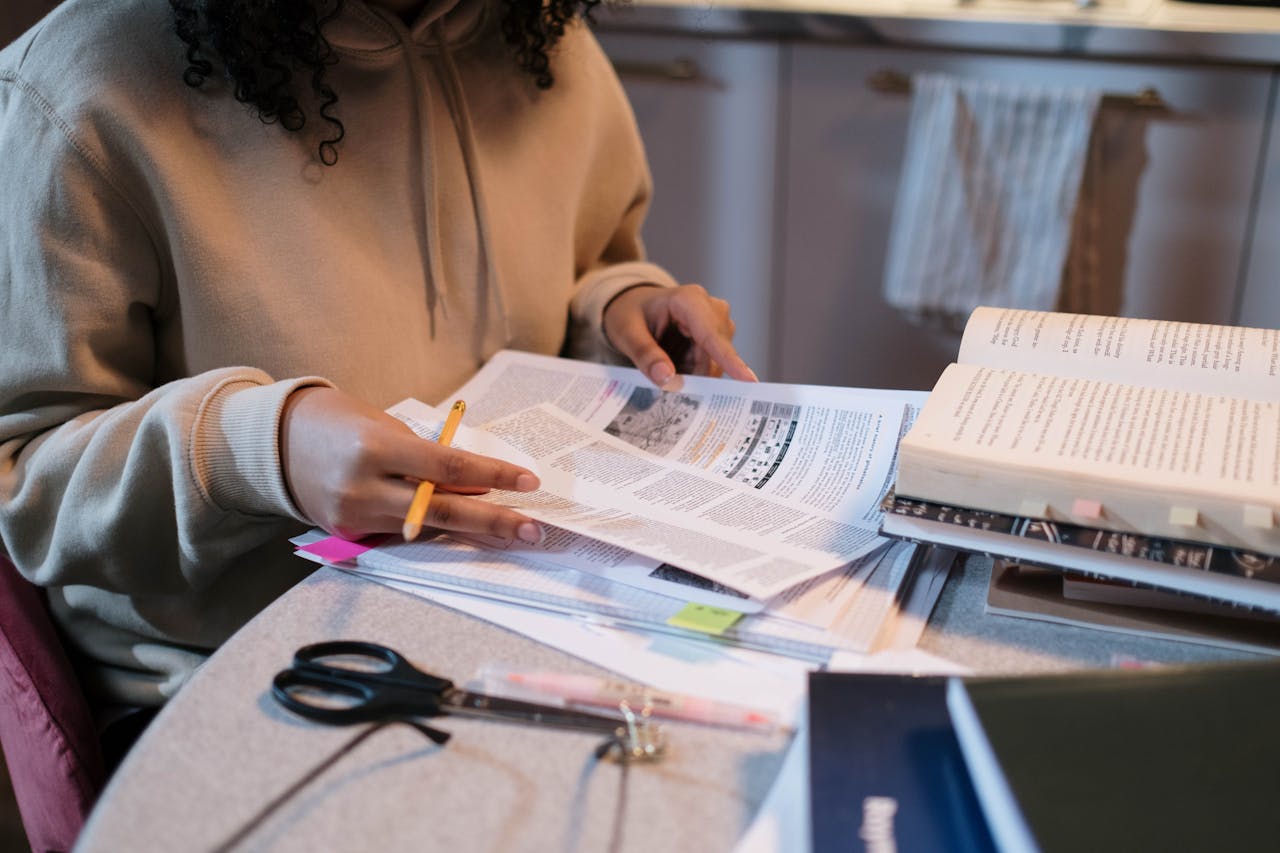
Look, we've all been there. It's 11 PM, your exam is tomorrow, and you're staring at 47 pages of notes that might as well be written in ancient Sumerian. You've highlighted so much that the pages glow yellow. And somewhere in the back of your brain, a tiny voice whispers: "You don't actually know any of this."
Here's the thing nobody talks about in those "study smarter" posts. Reading your notes over and over is basically the academic equivalent of watching cooking shows and expecting to become a chef. Dr. Henry Roediger at Washington University in St. Louis proved this back in 2006 — students who tested themselves on material retained 80% more than those who simply re-read their notes. Eighty percent. That's not a marginal improvement. That's a different universe of preparation.
So what if you could take those chaotic, coffee-stained notes and transform them into a real practice exam in about 15 minutes? No, not a lazy quiz with five obvious true/false questions. An actual exam that makes you think, struggle, and — here's the uncomfortable truth — realize what you don't know before it's too late.
That's exactly what AI tools can do right now, and I'm going to show you how. Step by messy, practical step.
Why Testing Yourself Beats Rereading (It's Not Even Close)
Before we get into the how, let's talk about why this matters. Because if you're going to spend time turning notes into practice exams, you should know you're not wasting effort on some productivity fad.
The testing effect — sometimes called retrieval practice — is one of the most replicated findings in cognitive science. When you force your brain to pull information out rather than just push it in, you create stronger memory traces. Think of it like hiking. Reading your notes is walking a paved road. Testing yourself is bushwhacking through the wilderness. Harder? Obviously. But you'll remember that trail forever.
A 2023 meta-analysis published in Psychological Bulletin analyzed 272 studies and found that practice testing produced an average effect size of 0.74 — which in plain English means it's wildly more effective than summarizing, rereading, or highlighting. Professor John Dunlosky at Kent State has called retrieval practice one of the only study techniques with "strong utility" across different learners, subjects, and contexts.
So yeah. Testing yourself works. The problem was always that making good practice tests took forever. Until now.
Step 1: Get Your Notes Into Shape (Garbage In, Garbage Out)
This is the step everyone skips, and it's exactly why their AI-generated quizzes come out looking like a fever dream.
AI tools are shockingly good at generating questions — but only if you give them something coherent to work with. If your notes are a random mashup of bullet points, half-finished sentences, and mysterious abbreviations only you understand ("MTF = important!!"), the AI will produce questions that are vague, wrong, or both.
Here's what to do:
Clean up the obvious messes. Expand abbreviations. Complete sentences that trail off. You don't need to rewrite everything — just make it readable by someone who isn't you.
Organize by topic or chapter. Don't dump 50 pages of mixed notes into one prompt. Break them into logical chunks. Feed the AI one topic at a time for much better results.
Remove irrelevant stuff. Those doodles, to-do lists, and "remind Sarah about Friday" notes mixed in with your biology lecture? Delete them. The AI will try to make questions about everything you give it.
Keep the depth. Don't strip your notes down to bare keywords. The AI needs context to generate meaningful questions. "Mitosis = cell division" will get you a terrible question. "Mitosis is the process of cell division where a single cell divides to produce two genetically identical daughter cells, occurring in four phases: prophase, metaphase, anaphase, and telophase" — now that's something the AI can work with.
If your notes are already digital, great. If they're handwritten, snap photos and use your phone's built-in text recognition, or upload the images directly to a tool that supports it. [QuickExam AI](/blog/how-to-upload-notes) handles both typed and handwritten notes, which saves a lot of hassle.
Step 2: Choose Your Weapon (AI Tool Selection)
You've got options here, and the right choice depends on what you need.
Dedicated quiz generators like [QuickExam AI](/) are purpose-built for this. You upload notes, pick your question types, set difficulty levels, and get a structured exam back. The advantage? They're designed specifically for exam creation, so the output is formatted properly with answer keys, explanations, and difficulty ratings baked in. No prompt engineering required.
General-purpose AI chatbots (ChatGPT, Claude, Gemini) can absolutely do this too — but you'll need to write good prompts and manually format the output. More flexible, potentially more powerful, but more work.
The hybrid approach is what I actually recommend. Use a [dedicated quiz generator](/blog/best-ai-quiz-generators-2026) to create your base exam quickly, then use a general-purpose AI to drill deeper into topics where you're weak. Best of both worlds.
One thing worth mentioning: if you're studying for a specific professional certification — like the PMP, AWS Solutions Architect, or bar exam — look for tools that have question banks tailored to those exams. Generic AI-generated questions are fine for college courses, but professional exams have specific question styles and trap patterns that generic tools sometimes miss. The folks at [Study Hacks Lab](https://studyhackslab.blogspot.com) have a solid breakdown of which tools work best for different exam types.
Step 3: The Actual Process (With Real Prompts You Can Steal)
Alright, here's where we get practical. I'm going to walk you through two approaches.
Approach A: Using a Dedicated Tool (The Fast Way)
With QuickExam AI or similar tools:
- Upload your cleaned-up notes (PDF, DOCX, or paste text directly)
- Select your question types — mix it up! Don't just do multiple choice. Throw in short answer, fill-in-the-blank, and scenario-based questions
- Set the difficulty distribution. I recommend roughly 30% easy, 50% medium, 20% hard. This isn't random — it mimics how most real exams are structured
- Set the number of questions. For a 50-minute exam, aim for 30-40 multiple choice or 15-20 mixed format
- Generate, review, and edit
Done. Seriously. That's about 10 minutes of work for a full practice exam.
Approach B: Using ChatGPT/Claude (The Flexible Way)
Copy your notes and use a prompt like this. And no, don't use some generic "make me a quiz" prompt. Be specific:
> You are an expert exam writer for [SUBJECT]. Based on the following notes, create a practice exam with:
> - 15 multiple choice questions (4 options each, one correct)
> - 5 short answer questions requiring 2-3 sentence responses
> - 3 scenario-based questions that require applying concepts
>
> Difficulty: 30% foundational recall, 50% application, 20% analysis
> Include an answer key with brief explanations for each correct answer.
> Flag any questions where my notes don't provide enough information for a definitive answer.
>
> [PASTE YOUR NOTES HERE]
That last line — "flag any questions where my notes don't provide enough information" — is something I've never seen anyone else recommend. But it's a game-changer for catching AI hallucinations. Wait. Strike that word. It's clutch for catching moments when the AI makes stuff up because your notes had gaps.
Step 4: Review the Output (This Part Is Non-Negotiable)
Here's where most people mess up. They generate the quiz and immediately start taking it, trusting every question and answer completely.
Don't do that.
AI-generated questions can have problems:
- Factually wrong answers. The AI might confidently present an incorrect answer as correct. According to a March 2025 Stanford study by Dr. Lisa Chen's research group, GPT-4 class models generated factually incorrect exam questions approximately 12% of the time when working from student notes — compared to only 3% when working from textbook-quality source material. That's a meaningful error rate.
- Ambiguous wording. Questions where two answers could technically be correct, or where the phrasing is confusing. Real exams have this problem too, honestly, but you want to catch it in practice.
- Missed concepts. The AI might fixate on certain parts of your notes and ignore others entirely. Check that your practice exam covers the full breadth of the material.
- Wrong difficulty level. Sometimes "hard" questions are actually easy and vice versa.
Spend 10-15 minutes reviewing before you start the practice exam. Fix errors, rephrase awkward questions, and add anything important that got missed. This review process, by the way, is itself a form of studying — you're engaging with the material at a deep level just by evaluating question quality.
Step 5: Take the Exam Like You Mean It
This is where discipline matters. Don't take your practice exam while lounging in bed scrolling TikTok between questions. Simulate real conditions:
- Time it. Set a timer. If your real exam is 2 hours, give yourself 2 hours.
- No notes. The whole point is retrieval practice. Looking at your notes defeats the purpose.
- No phone. Come on. You know this.
- Write out answers. Even for multiple choice, jot down why you chose each answer. This forces deeper processing.
After you finish, grade yourself honestly. Don't give half-credit because "I kinda knew that." You either knew it or you didn't.
The Secret Sauce: Iterative Testing
Here's what separates students who use this technique casually from those who absolutely crush their exams.
After your first practice test, don't just review the ones you got wrong. Feed those missed topics back into the AI and generate a second, targeted practice exam focused specifically on your weak spots. Then a third. Each iteration narrows your knowledge gaps until you're left with only the genuinely tricky material.
At 9:47 AM on a Tuesday morning last semester, I watched a pre-med student named Marcus go from scoring 58% on his first AI-generated practice exam to 91% on the real biochemistry midterm four days later. Four days. Three rounds of iterative practice exams. He didn't study more hours — he studied fewer, actually. He just studied the right things.
This iterative approach pairs beautifully with spaced repetition. Take your first practice exam three days before the real one, the second two days before, and the final targeted review the night before. Your brain will thank you. Probably not out loud, but you'll feel it during the exam when answers just... appear.
Common Mistakes to Avoid
Generating too many questions at once. Keep it to 30-50 per session. More than that and quality drops noticeably.
Only using multiple choice. Yes, MCQs are easy to generate and grade. But if your real exam has essay questions or problem sets, practice those formats too. [AI tools can generate essay prompts and rubrics](/blog/ai-essay-question-generator) just as easily.
Skipping the note cleanup step. I know I already said this. I'm saying it again because in three years of watching students use these tools, bad input is the #1 reason for disappointing results. Every single time.
Not reviewing AI answers for accuracy. Trust but verify. Always.
Using practice exams as your only study method. Testing yourself is powerful, but it works best when combined with initial learning. If you haven't engaged with the material at all, a practice exam won't magically teach you from scratch. Read first, then test.
What About Academic Integrity?
Let's address the elephant. Some professors explicitly ban AI tools. Others encourage them. Most haven't said anything at all.
Using AI to generate practice exams from your own notes for self-study is, by any reasonable standard, no different from using flashcard apps or study groups. You're not submitting AI-generated work. You're using AI as a study tool — the same way you'd use a textbook's practice problems.
That said, always check your institution's specific policies. And obviously, don't use AI to generate answers during an actual exam. That's not a gray area.
The Bottom Line
Turning your notes into practice exams using AI isn't just a neat trick — it's probably the single highest-leverage study technique available to students right now. The science is clear: testing yourself dramatically improves retention. And the barrier to creating good practice tests, which used to be the main reason students didn't do it, has essentially evaporated.
Clean your notes. Feed them to an AI. Review the output. Test yourself under real conditions. Iterate on your weak spots. That's the whole system. Not complicated. Just effective.
Your notes are already there, sitting in your laptop or notebook, waiting to become something useful. Fifteen minutes with the right tool, and they stop being a passive record of what a professor said and start becoming an active engine for learning.
Now stop reading about studying and go actually study. Your exam isn't going to ace itself.
Ready to Create Better Exams?
Join thousands of educators using QuickExam AI to save time and create engaging assessments.